What’s new in Document Locator 21
New in 21.3
Adobe Acrobat 64-bit
Version 21.3 now supports Adobe Acrobat 64-bit. Patches have been released for DL 21.1 and 21.2
Improved security and VPN connectivity
Improved security for WebTools brute force attacks and issues with VPN connectivity.
Watch a video
Improved web browser experience
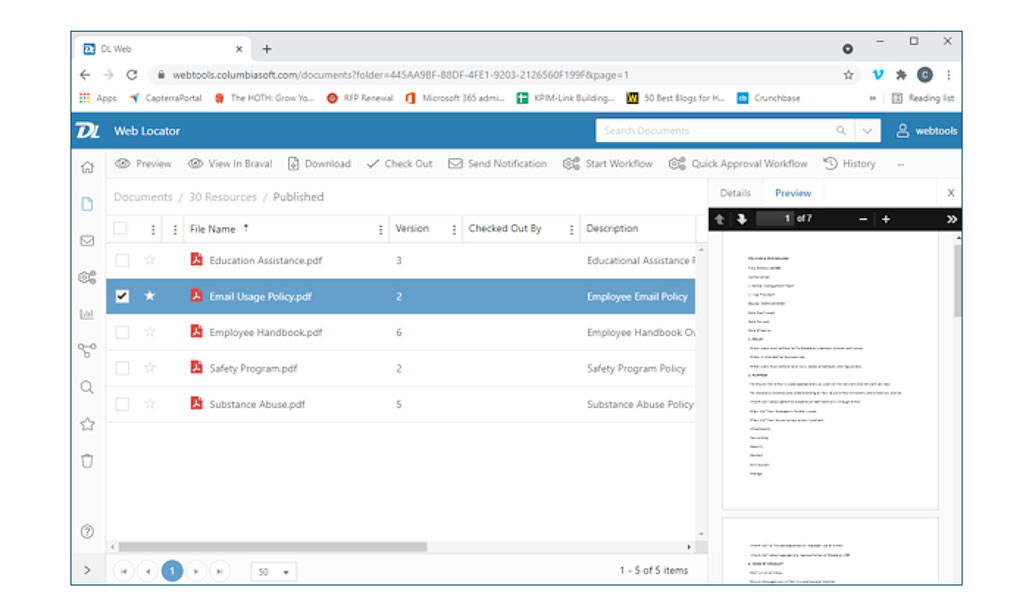
The entire user experience of Document Locator’s WebTools has been improved, making it easier than ever to navigate and find files in the browser edition.
- New user interface with consolidated navigation and breadcrumbs
- Customized content and information on new home portal page
- File previews in right-side and pop-open viewing panes
- Messages and favorites in new direct navigation links
- Ability to drag and drop emails and attachments
All new WebTools Desktop application
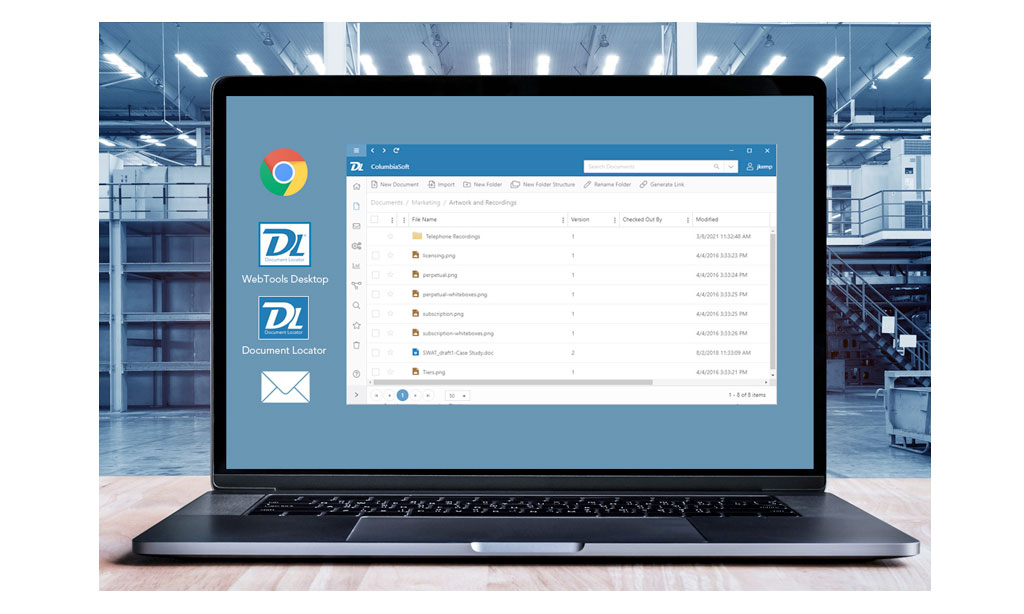
Experience Document Locator’s Web navigation inside a Windows application using the new WebTools Desktop. The new Webtools Desktop edition puts the ease of Web navigation in a Windows application.
- Quickly check-out and open files in their associated application, and check them back in again with similar ease as using Document Locator Desktop.
- Quickly navigate between repositories.
Enhancements in Windows-integrated desktop edition
Desktop client users of Document Locator benefit from several improvements in version 2021.
File details at a glance
File details, including metadata, notes, workflows, dependencies, and records policies are accessible in a newly updated right-side information window.
Previews of files enhanced
New preview technology improves viewing of PDF’s and image files like TIFs with the ability to scroll through pages.
Send files for approval
Right-click and immediately send files for simple approval without the need to configure a workflow.
Email approval
From the Outlook toolbar, messages can be routed first through Document Locator for approval before being sent (requires configuration services).
Additional Enhancements
- New auto-generated profile property type for defaulting date properties.
- Updated desktop client add-in support for AutoCAD 2021 and 2022.
- Version 21.2 provides support for Windows 11.
- Improved VPN connectivity (21.3)
- Improved security for WebTools brute force attacks (21.3)
- Support for Adobe Acrobat 64-bit (21.3 – patches available for 21.1 and 21.2)
- Import documents directly into a workflow through the Workflow Task Console (desktop client only). This provides the ability to assign workflow tasks to users for the purpose of capturing files such as records, logs, screenshots, and more (21.3)
Prior versions
Ready for a Demo?
Take the first step towards streamlining your processes and enhancing collaboration with Document Locator. Request a demo today and discover how our document control solution can help your organization.
Fill out the form to get started.